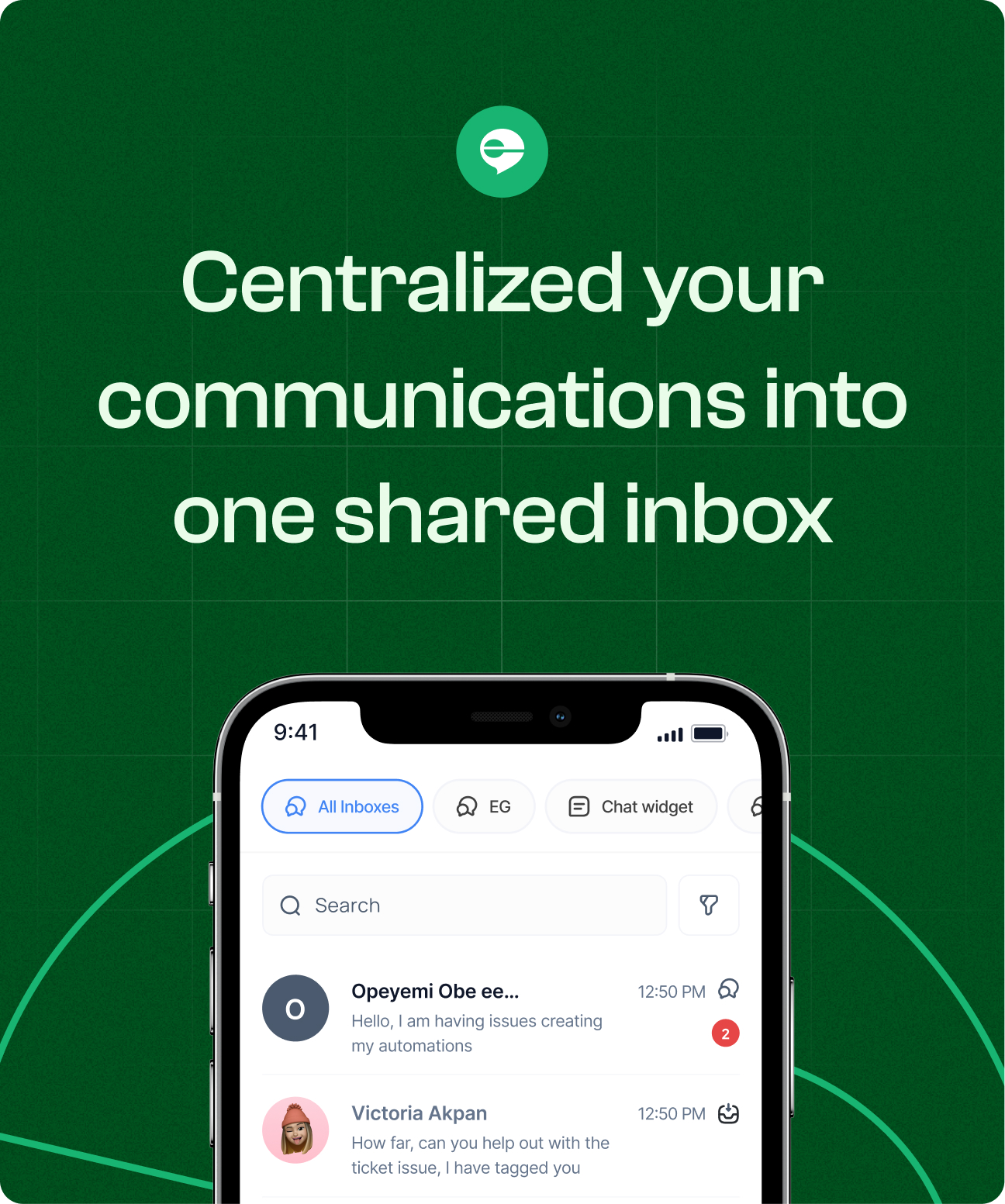
Inbox Messaging Internal Tool: Navigating Responsiveness to Deliver Innovation

How I led the design for an inbox messaging mobile app for teams and businesses
Engage already had a powerful web inbox. Marketing and support teams used it daily to manage customer conversations across email, chat, and internal threads. It worked, but it was built for desktop behaviour.

The company wanted to bring that same capability to mobile.

Not as a marketing app. Not as a stripped-down viewer.
 But as something teams could genuinely rely on when they were away from their desks.

My role was to lead the product design for the mobile experience and ensure we didn’t just replicate the web interface, we translated the system properly.
My role
Lead Product Designer
Team
1 Product Designer, Product Manager, Engineers
Platform
B2B Web App
Timeline
2021 - 2022

Background

By 2022, Engage’s web inbox had matured into a robust system. Teams relied on it daily to:
  • Respond to customer messages
  • Track conversation status
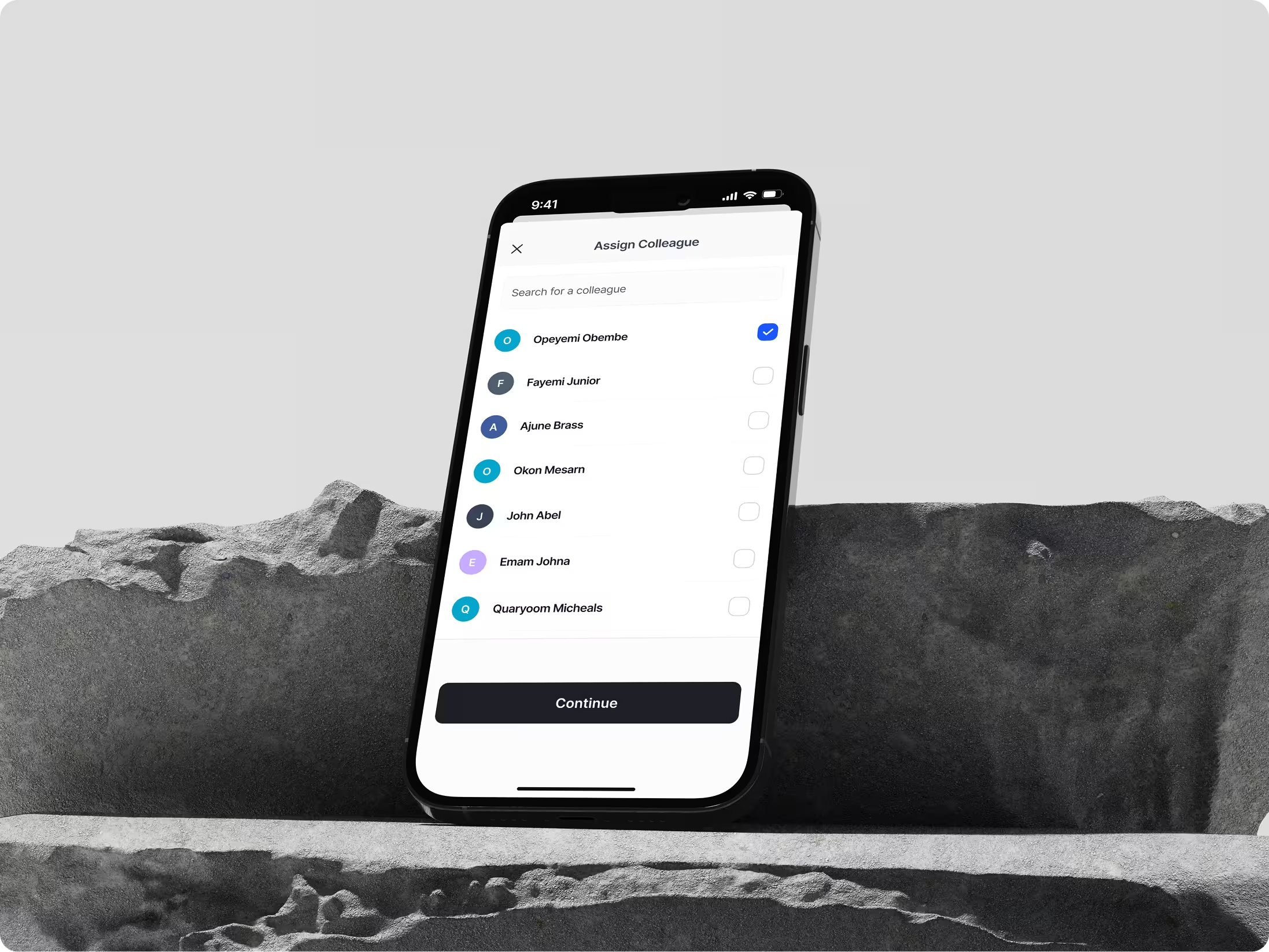
  • Assign responsibility across teammates
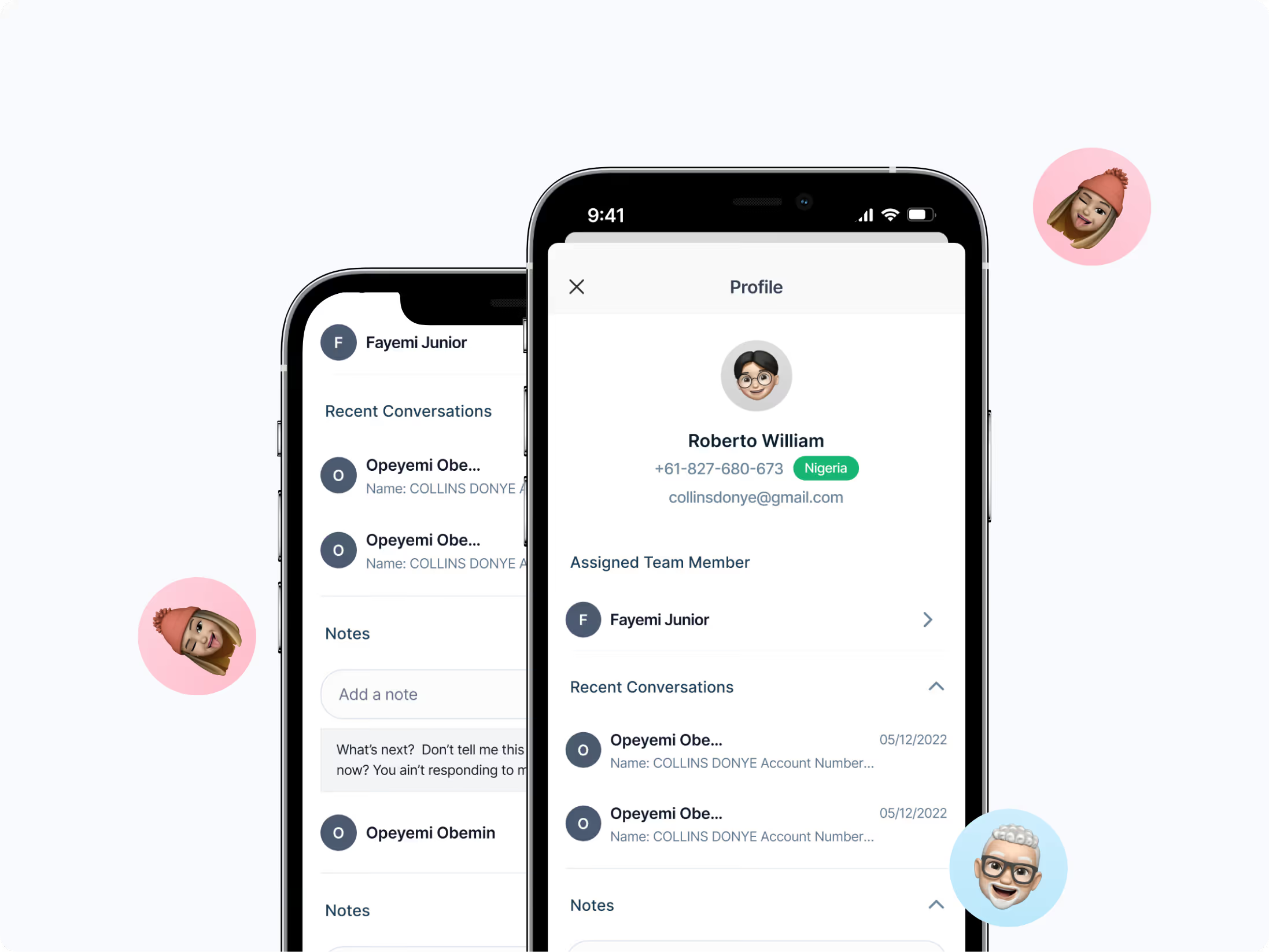
  • Coordinate internally through notes and mentions
As usage increased, so did the need for responsiveness outside desktop environments. Managers and field teams were increasingly mobile. Delayed responses began to impact team velocity.
The mobile experience at the time did not reflect the speed or clarity teams expected. Mobile was no longer optional. It became a responsiveness surface.
The opportunity was clear: Bring full functional parity to mobile while simplifying interaction to suit a constrained interface.

The Core Tension

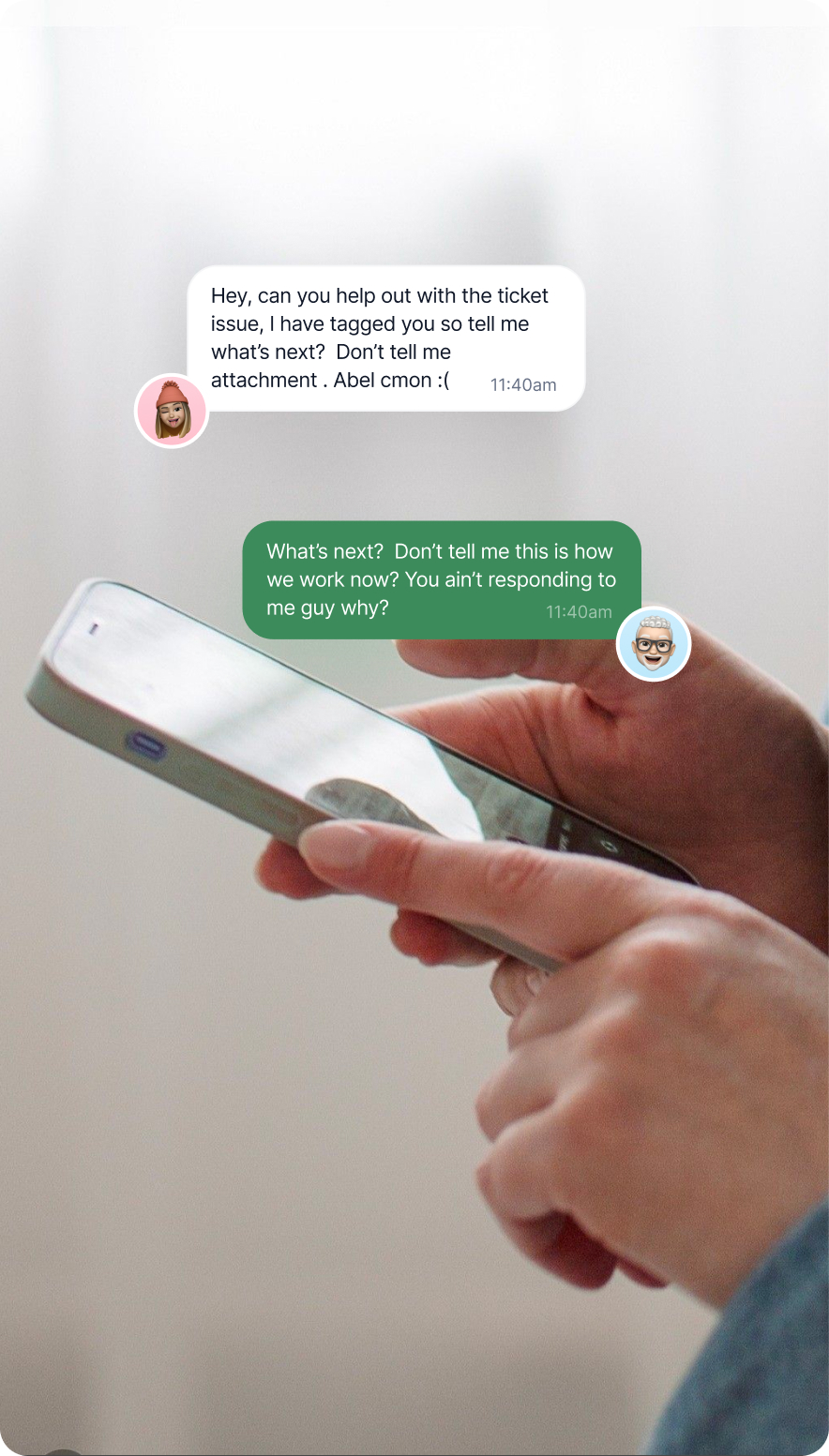
Given Engage already had a working web inbox. It handled a lot of complexity, threads, ownership, status tags, channel indicators, internal notes, all visible at once, and that worked on desktop.
You have room. You can scan. You can hold multiple layers of context on one screen without it feeling overwhelming.
On a smaller surface, the same density becomes friction. What felt efficient on web starts to feel crowded. What felt informative starts to feel noisy.
And the more you stack into one view, the harder it becomes to move quickly.
The risk wasn’t that the app would look bad. The risk was that it would technically “work” but feel heavy.
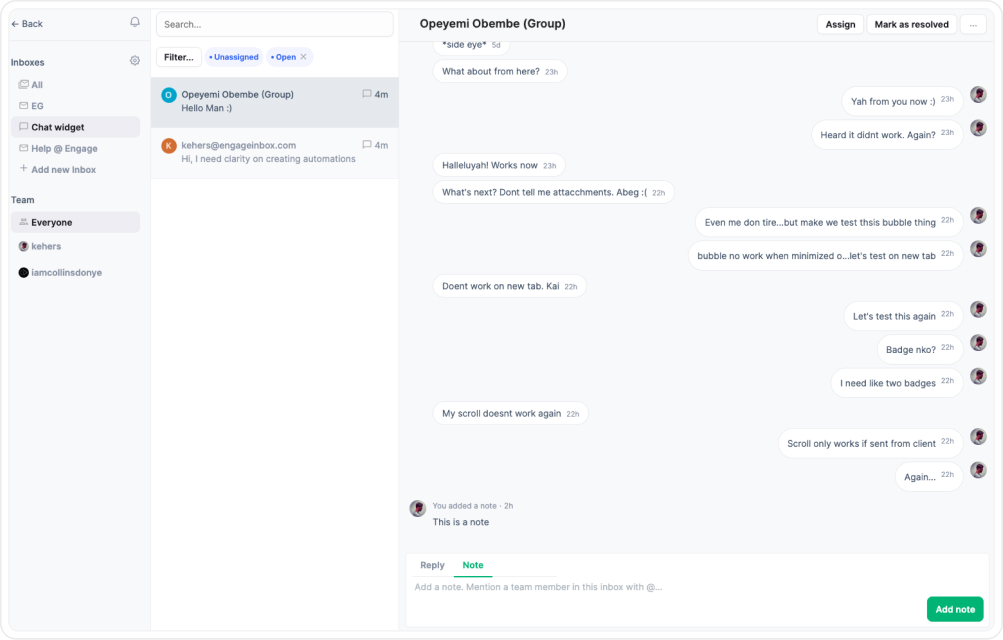
At the time of writing - the Inbox Web App Tool
Slower. More mentally demanding. Something teams would tolerate instead of prefer, and if mobile introduced friction, teams would avoid it. If it altered behaviour in anyway, their workflows would fracture. This was not a UI resizing exercise. It was a behavioural translation challenge.
And this misses the point entirely if we take this route. So instead of asking, “How do we fit this on a smaller screen?”I asked, “What does someone actually need in the first 3 seconds?”

That shift changed everything.

The translation strategy was the solution to the task

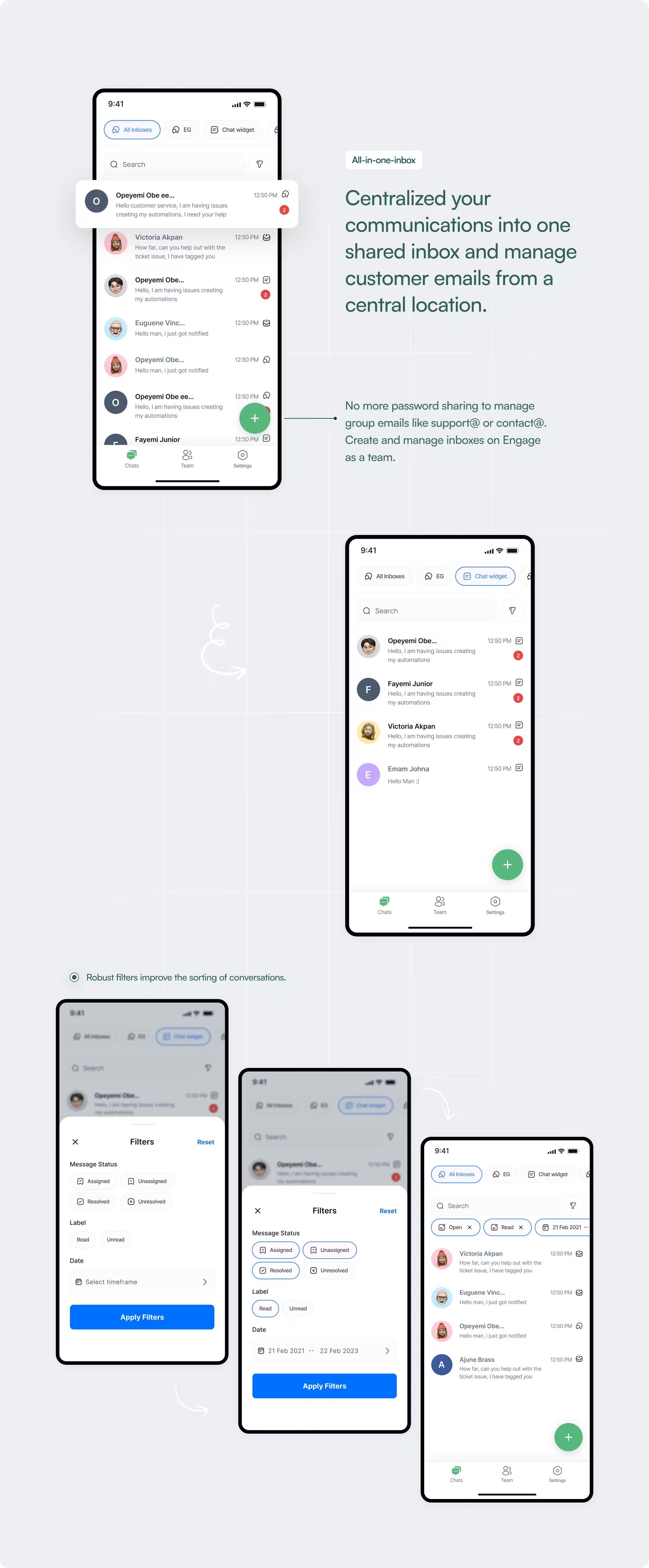
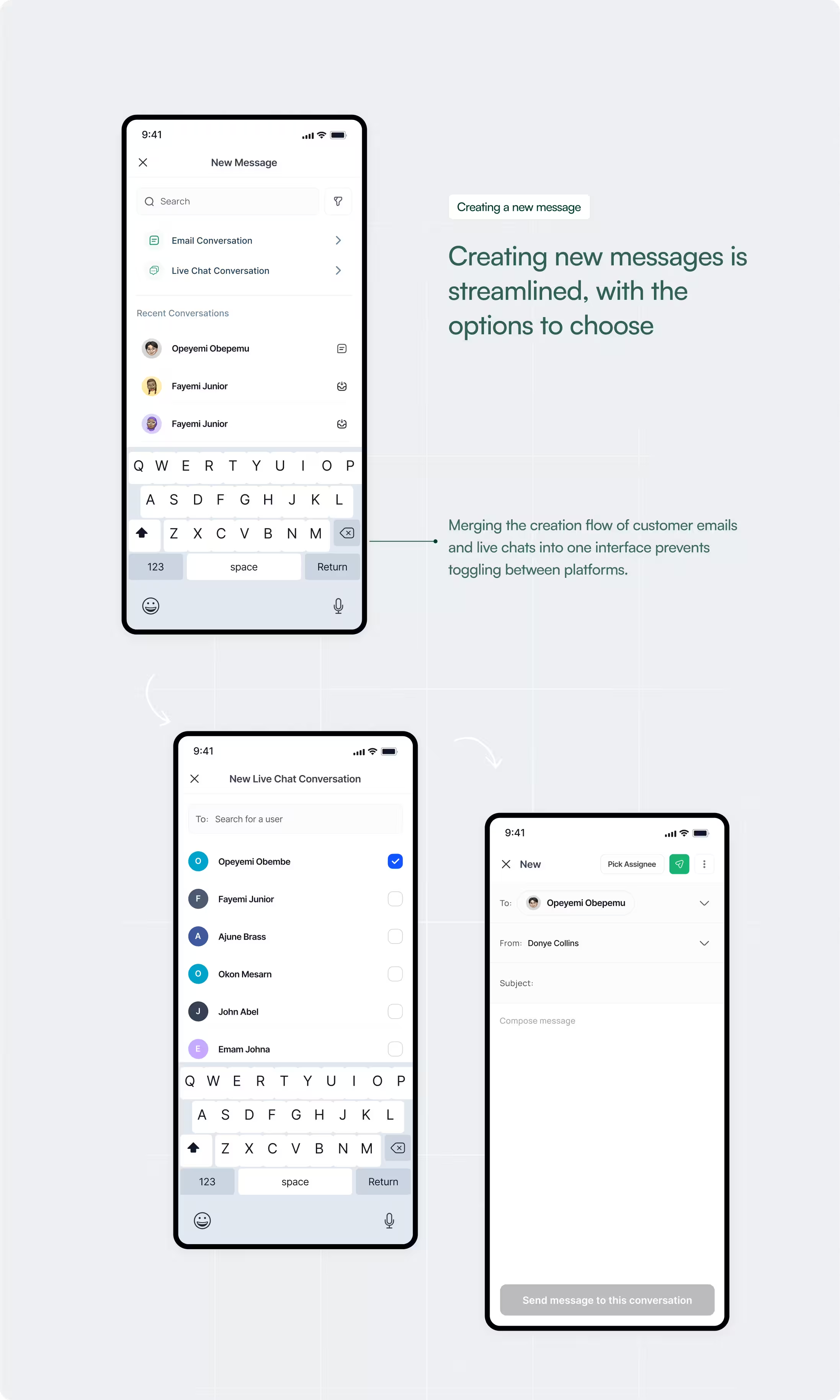
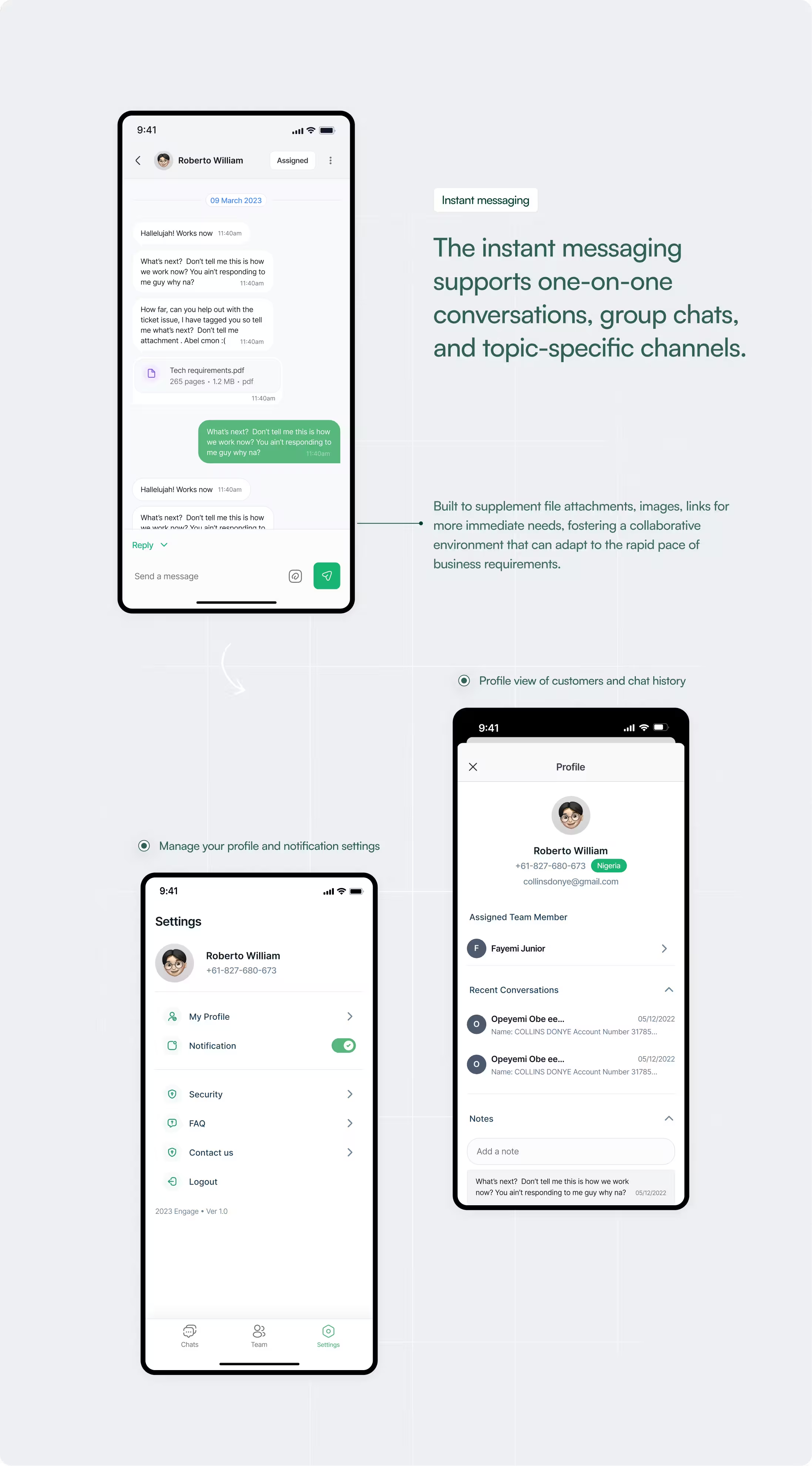
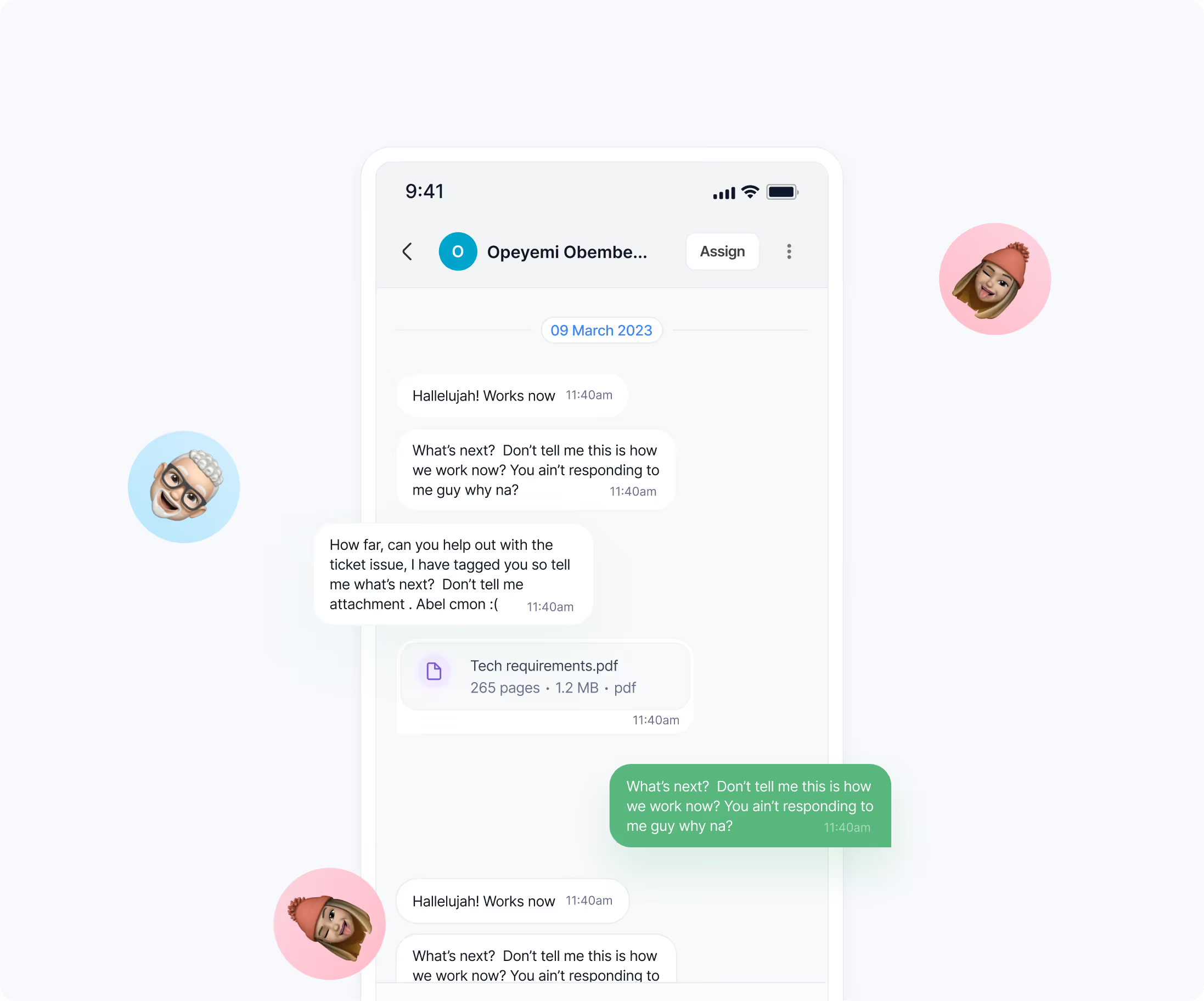
The design was approached with a focus on minimizing the number of taps to perform an action, simplifying navigation, and creating a unified inbox experience. The design aimed to be intuitive, reducing the learning curve and enhancing user adoption as marketers are always on the go.
1-to-1 in consistency with the web version
Recognizing that change can be jarring,I kept the mobile app's look and feel consistent with our web version. It's like walking into your favorite café in a different city, you know exactly what to expect and where to find what you need.
Intuitive and an over simplified navigation
I put the most frequently used features within easy reach, allowing users to switch between chats, team views, and settings quickly. These common actions were placed within thumb's reach, respecting the "thumb zone" for one-handed use.
Simplified Information architecture and less taps
Information was structured to minimize the number of taps required to access core features, with a clear hierarchy that made complex information manageable.

Outcome

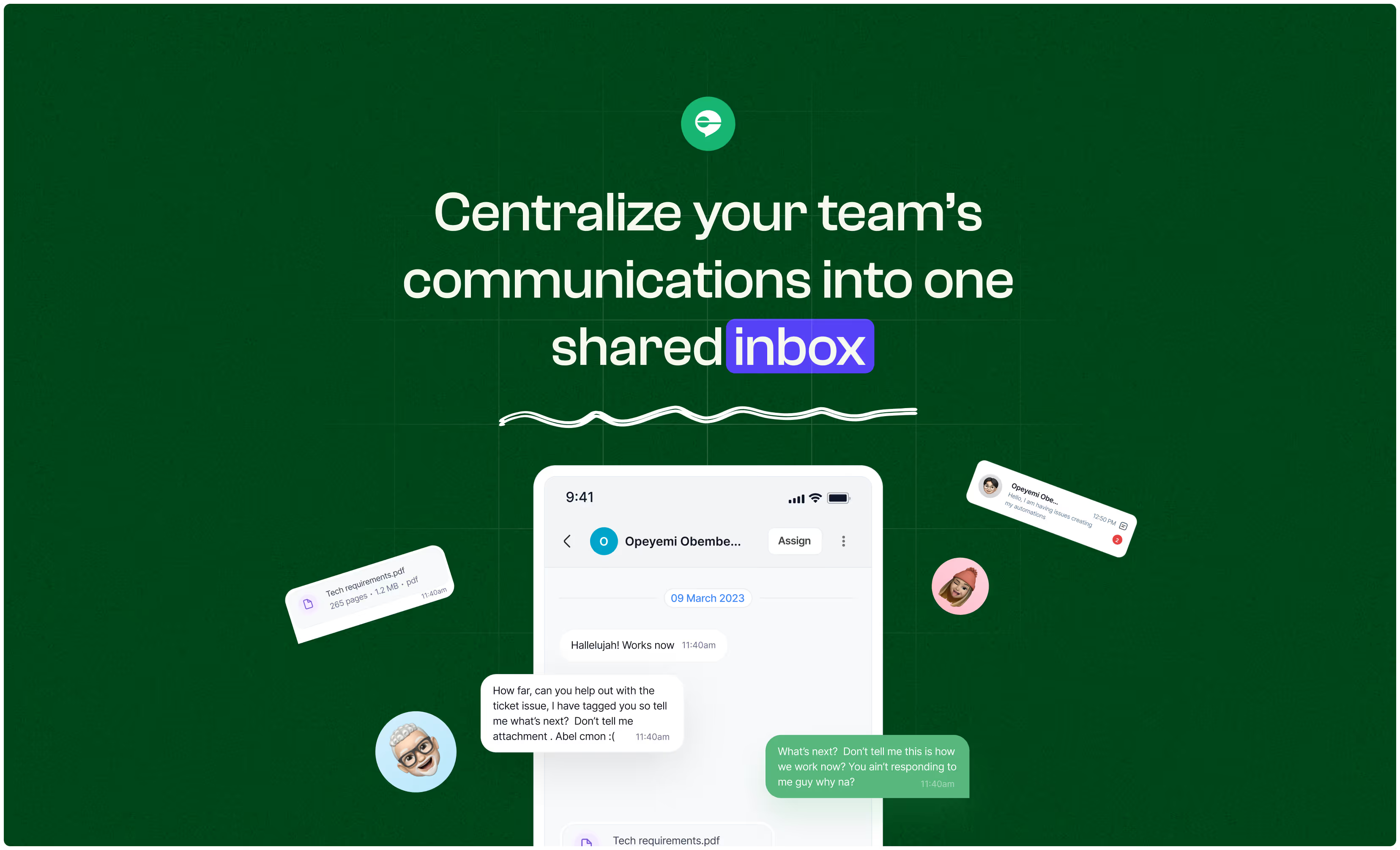
The mobile inbox became a natural extension of the web product. Mobile inbox adoption increased among managers and field teams. More importantly, the experience did not fragment behavior between surfaces.
Teams could:
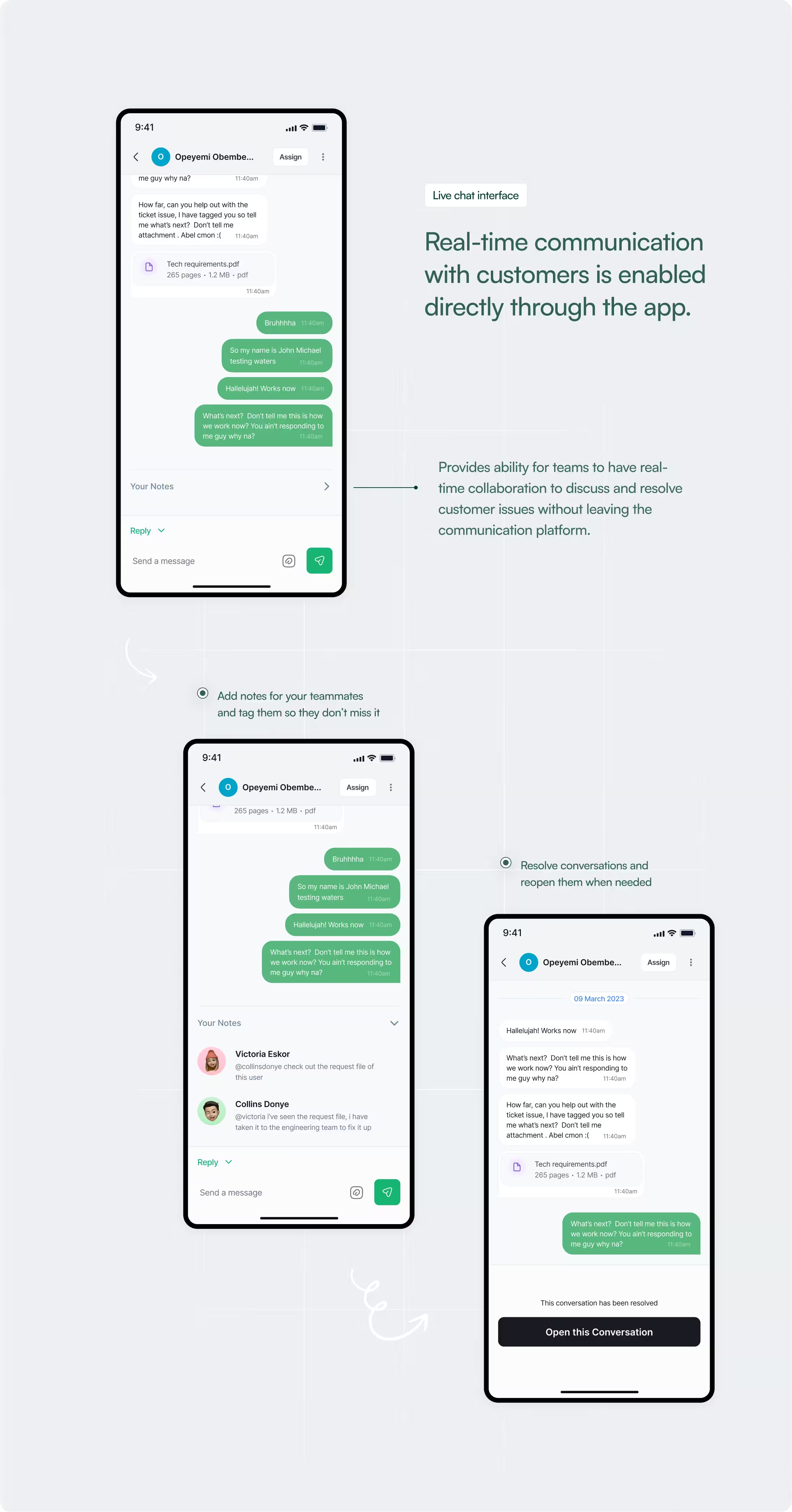
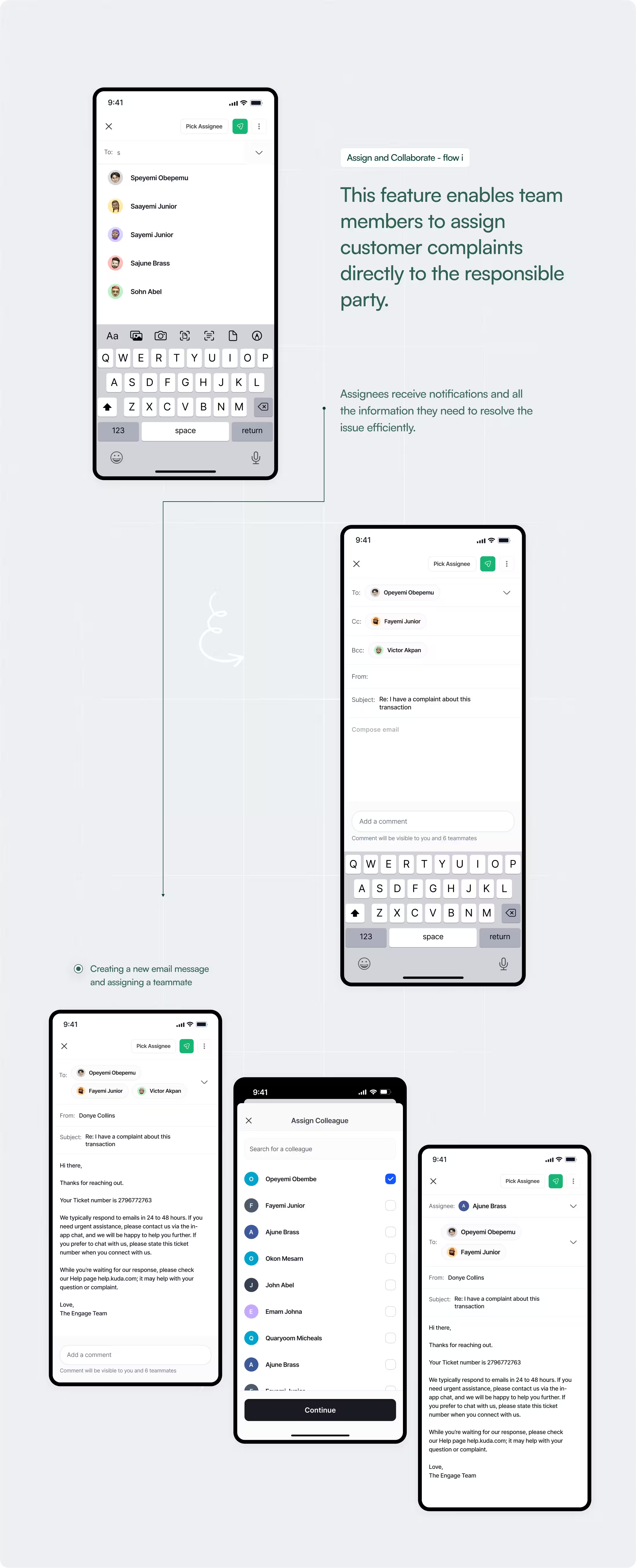
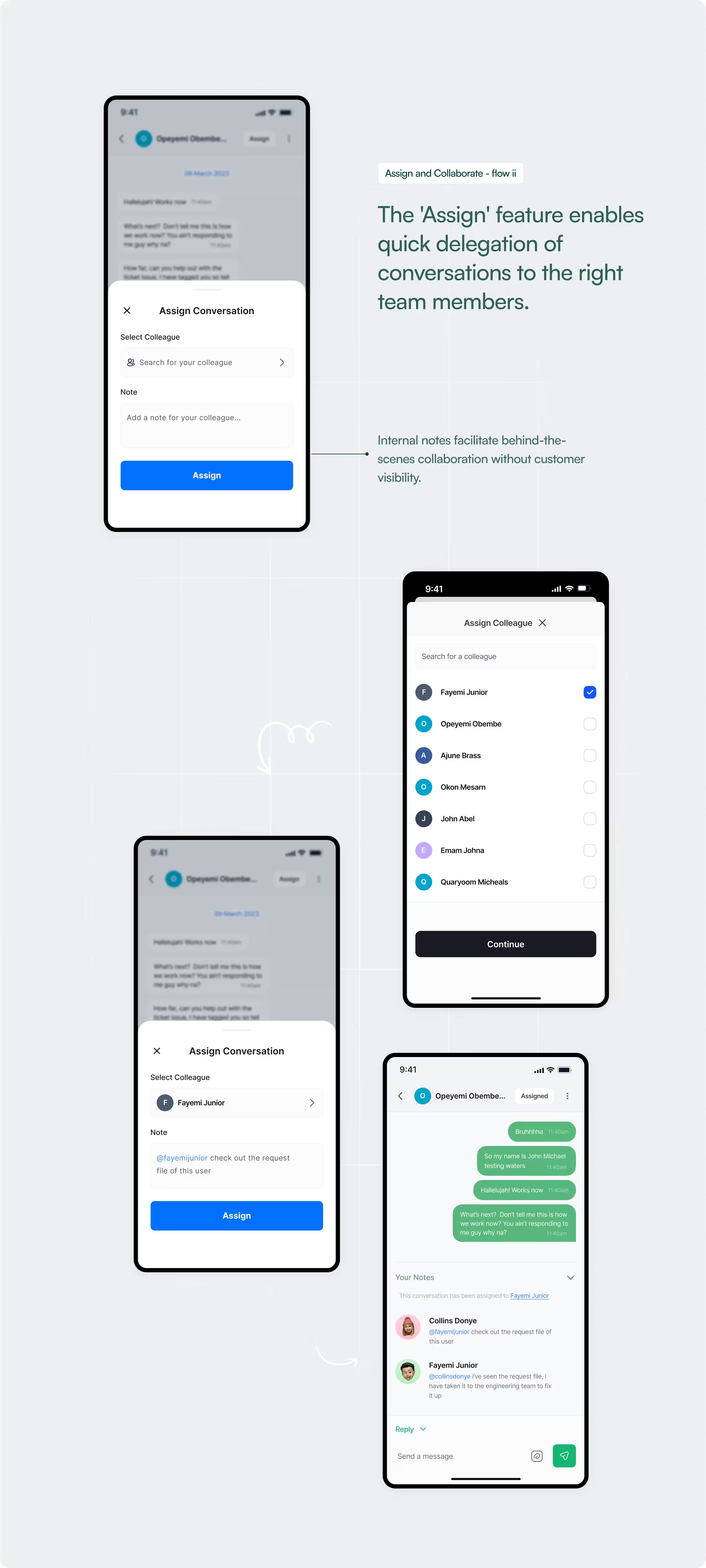
  • Quickly scan and assign conversations
  • Resolve issues while away from desktop
  • Maintain ownership clarity across devices,
All confidently without switching mental models between web and mobile. This made the mobile feel like a natural extension of the workflow. Not a secondary interface.
That was a major success for us as a team and a validation for me as a designer who led this task.
Reflections

This project reinforced an important principle: Translating systems across surfaces is less about feature parity and more about preserving decision clarity. Mobile design is not about fitting everything in.
It is about sequencing information so action feels intuitive. The success of this project was not measured in visual refresh or feature count. It was measured in whether teams could respond without hesitation.
The Engage mobile app exceeded our expectations. It's refreshing to see how Collins has taken the team’s vision and turned it into a reality that's not only functional but also a joy to use.

The team has been raving about the ease with which they can now manage their communications.
Opeyemi Obembe, CEO/Founder
THE END